Expression Keybinds
Overview
Assign expressions to controller buttons and switch expressions with button operations. Supports gamepads and MIDI devices.
warning
Keyboard input stops being accepted when the Studio app becomes inactive. Please use a gamepad or MIDI device instead.
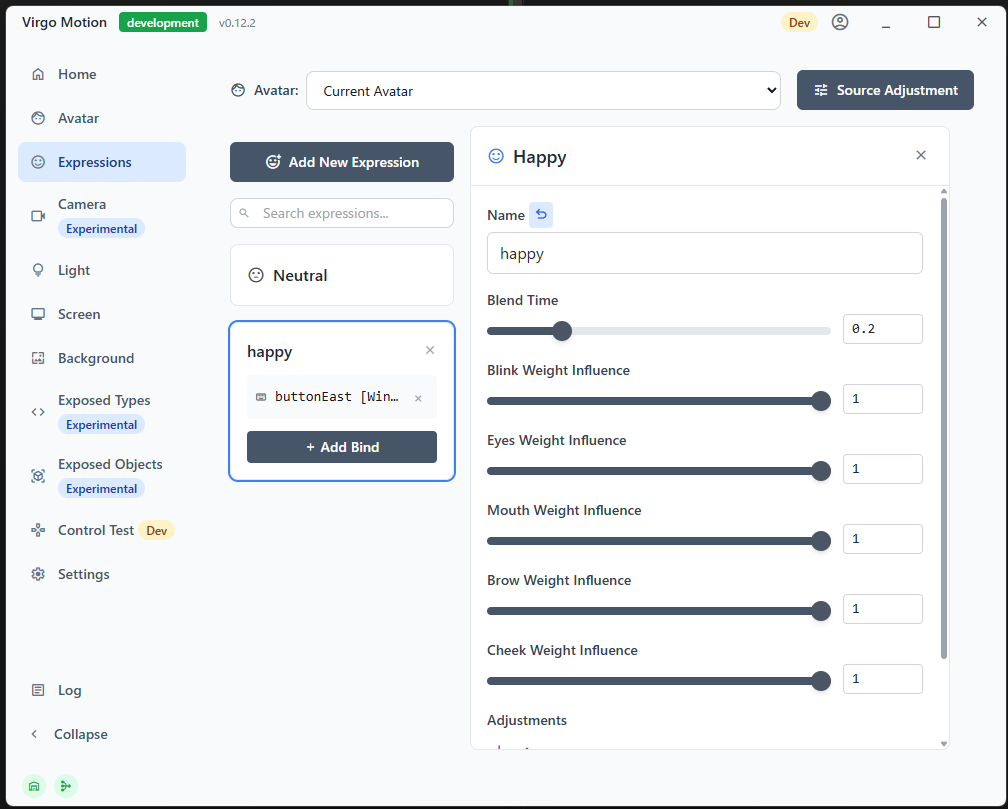
How to Assign Keys
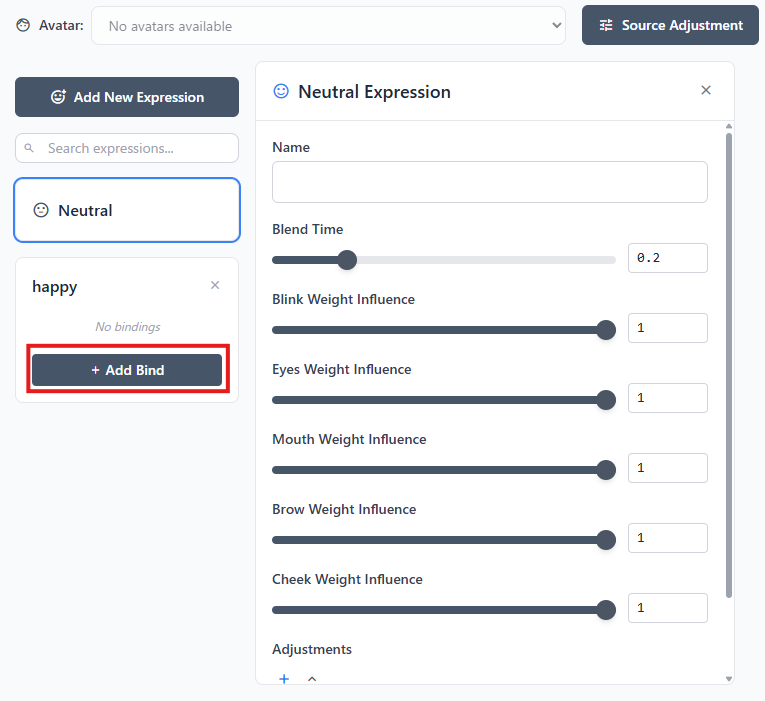
Press the Add Binding button for the expression you want to assign.
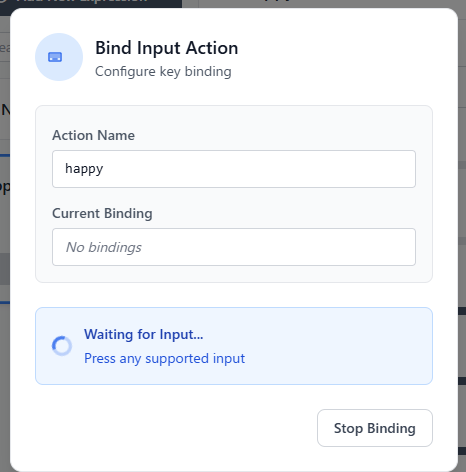
After confirming the dialog, press the key you want to assign.
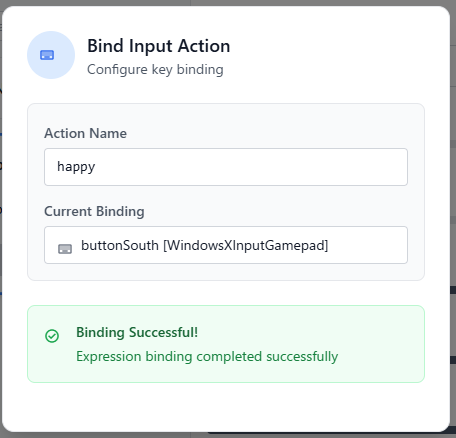
When this screen appears, the assignment is complete. Press the assigned key to confirm that the expression changes.