VirgoMotion
Many features are still experimental and breaking changes may occur.
What is VirgoMotion?
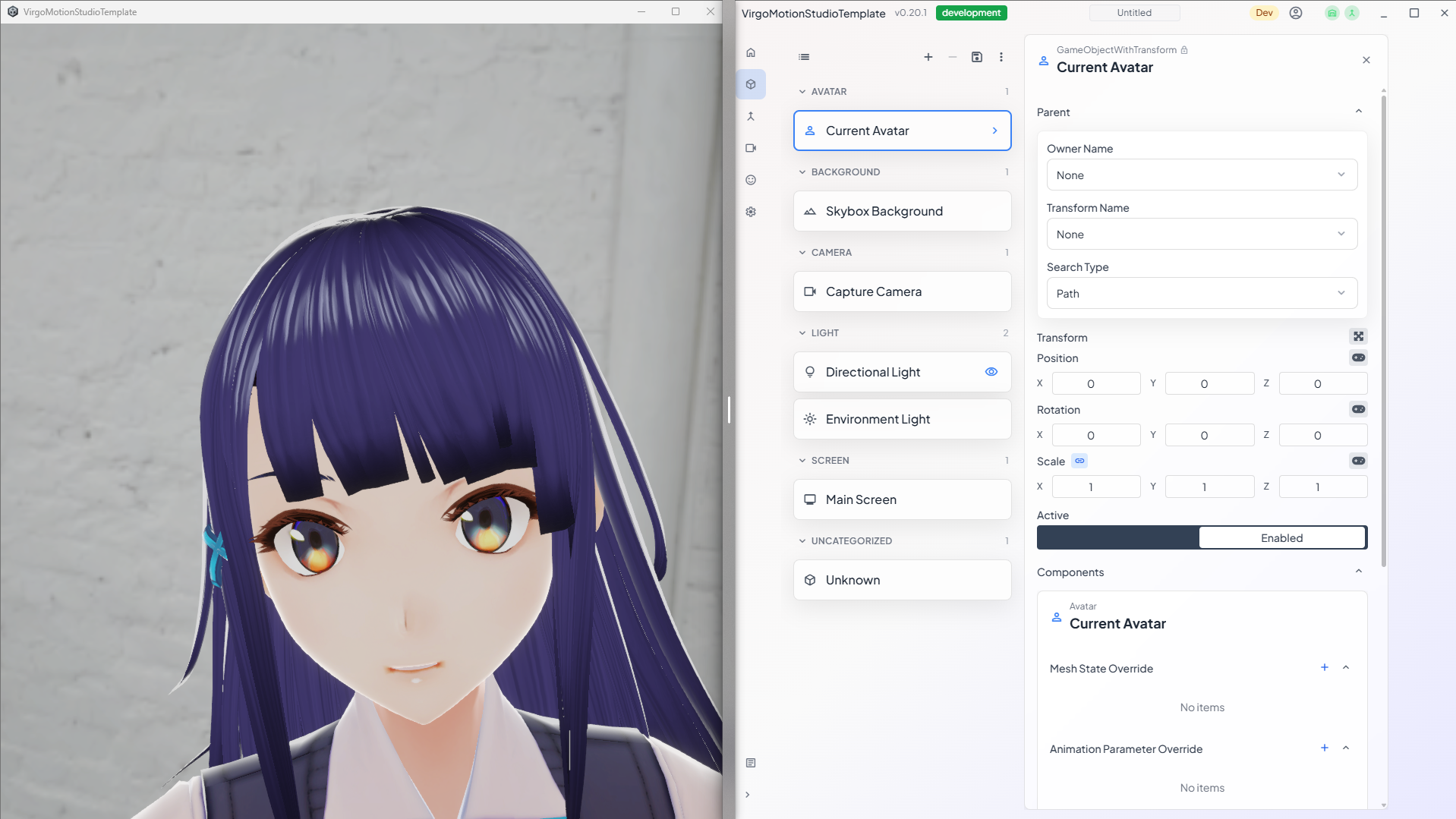
A lightweight motion-capture and streaming tool that runs on an iPhone or a webcam. You don't need gloves or a mocap suit — just mount a camera on top of your display, and it captures your pose, facial expression, and even finger movements. The PC-side studio app then drives a character and renders the result for streaming.
We made this because we want to see more emotionally expressive, charming VTubers in everyday streams.
Highlights
- Camera-only mocap — With an iPhone or a webcam connected to your PC, you can drive the upper body, facial expression, and fingers.
- Streaming studio included — Switch characters, backgrounds, lights, and cameras on the fly, and pipe the output straight to OBS.
- Fully customizable — Combine it with the LiveStudio SDK to build your own dedicated streaming application from the ground up.
System Requirements
Required
- Windows PC
- An iPhone or a webcam
| Setup | What you need | Status |
|---|---|---|
| iPhone camera | iPhone X or later, plus a holder to mount it | Recommended |
| PC webcam | A webcam connected to your PC | Experimental |
Because ARKit measures your face and expression directly, the iPhone setup is more accurate. For a setup without an iPhone, see Capturing with a PC Webcam.
Recommended
- iPhone cooler (helps during long streams to manage heat)
- A holder that mounts the iPhone on top of your display (so your gaze stays natural)
Application Layout
VirgoMotion consists of three apps.
- Capture app (iPhone) — Analyzes pose and expression from the camera feed and sends them to the PC. If you use a PC webcam, capture is built into the Fusion app, so you don't need this app.
- Studio app (PC) — Drives the character based on the incoming data and renders the video for streaming.
- Remote app (PC) — Connects to the Studio app to switch live scenes and operate parameters.
- Fusion app (PC) — Receives motion data from one or more capture apps, merges it, and forwards it to the Studio app. Acts as the relay point in multi-iPhone setups such as the dual-camera configuration.
How to Navigate the Docs
The documentation is split into App (using VirgoMotion itself) and SDK (building your own streaming app), available from the top-left navigation.
App — Using VirgoMotion
| What you want to do | Where to look |
|---|---|
| Can't connect / something isn't working | Troubleshooting |
| Improve capture accuracy | Getting Better Results |
| Fine-tune facial expressions | Expression Settings (PerfectSync) |
| Improve accuracy with two iPhones | Dual-Camera Motion Capture |
| Run it with a PC webcam instead of an iPhone | Capturing with a PC Webcam |
| Have the avatar hold a mic or other prop | Hold a Microphone |
| Integrate with Warudo | Warudo Plugin |
| Register a license | Setting Up a License |
| See the latest changes | Release Notes |
SDK — Build Your Own Streaming App
If you want to design original backgrounds, camera work, and avatar staging, see LiveStudio SDK + VirgoMotion. Basic Unity skills are enough — you can finish your own streaming app just by swapping templates, no coding required.