LiveStudio SDK + VirgoMotion
Many features are still experimental and breaking changes may occur.
LiveStudio SDK + VirgoMotion is a set of tools for anyone who wants to build their own original streaming app.
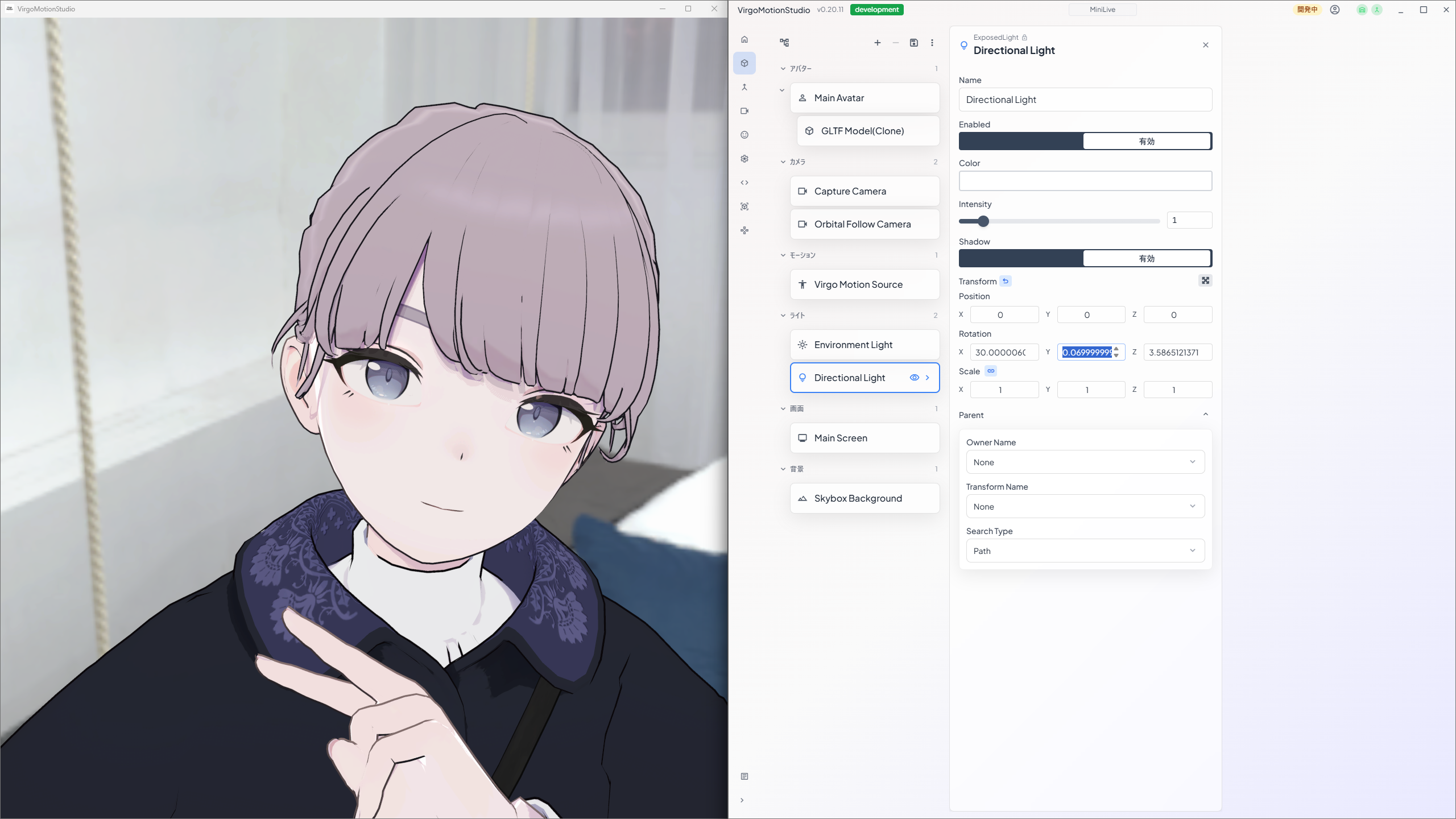
Built on top of the general-purpose LiveStudio SDK, it adds the integration that connects to VirgoMotion (motion capture) and is distributed as a set. The background, camera work, lighting, avatar, shaders, and everything else shown on screen — you can design it all yourself and build your own streaming app.
How to Get It
Distributed on Booth.
Who is it for?
- VTubers who want to craft a streaming screen with their own personal touch
- Artists, 3D designers, and visual creators
- People who want to achieve effects that existing streaming tools cannot express
Required Skills
Basic Unity Editor operation is enough. If you are comfortable with opening scenes, placing prefabs, swapping materials, and building, you can use the SDK.
Programming is not required. The template is distributed in a state where it builds and runs as-is, so just by swapping out avatars and scenes — without writing any code — you can complete your own streaming app.
Of course, those who can write scripts can use mechanisms like [ExposedProperty] to add their own operation items or customize behavior during streaming.
Start Here
| What you want to do | Where to look |
|---|---|
| Get a high-level overview | SDK Components — Learn about the apps and packages |
| Build a VTuber streaming app | Build a VTuber Streaming App — Build a streaming app from the template |
| Use a VRC FaceTracking-compatible avatar | Use VRChat Avatars — Bring in a VRChat avatar |
| Use an original avatar | Edit the VirgoMotionStudioTemplate scene (documentation in preparation) |
| Recreate the scene (background, camera, lights) | Same as above. Use LiveStudio components |
| Add more items that can be controlled from the Remote App | Expose Parameters to the Remote App — Add [ExposedField] etc. to scripts on the Studio app side |
| Build your own Remote App | Call the RemoteControl REST API directly (documentation in preparation) |
| Improve iPhone capture accuracy | Settings on the Capture app side. Not handled by the Studio app SDK |